
Introducing Surventrix Stream: A Complete Visual Record of Every Inspection
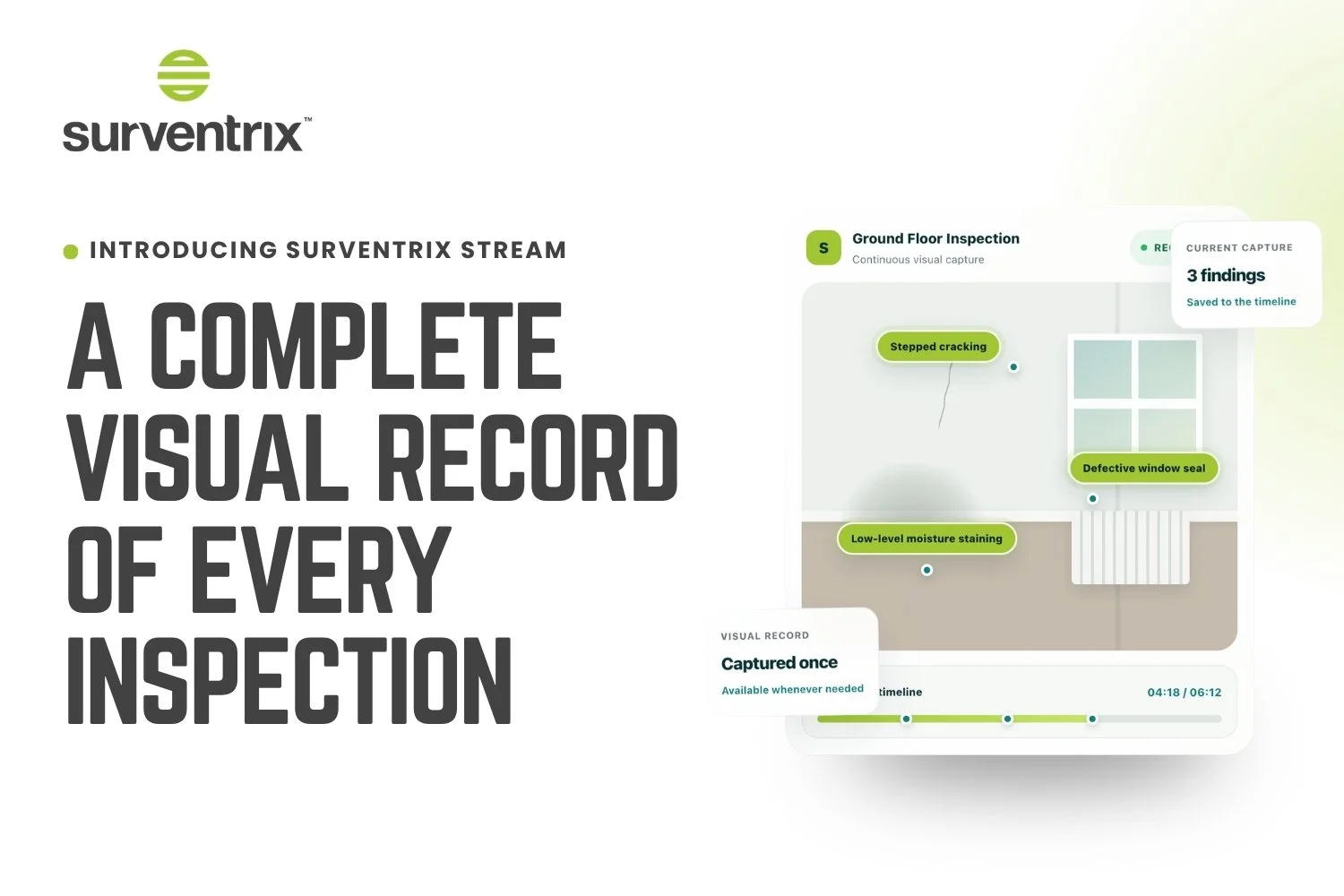
Last Friday we launched Surventrix Stream, a new PRO feature built to solve one of the most persistent frustrations in property inspection: the gap between what you actually saw on site and what makes it into your final report.
If you've used Stream already, thank you for being among the first. If you haven't yet, here's what it does and why we built it.
The problem we set out to solve
A conventional inspection involves a lot of stopping and starting. You pause to take a photograph, jot a note, then retrace your steps to make sure you haven't missed anything.
Every interruption breaks your concentration, and small details can slip through simply because the process asks you to divide your attention between observing and documenting.
Back at the desk, the problems compound. You're matching scattered photos to scattered notes, relying on memory to fill the gaps, and occasionally facing the frustrating reality of returning to a property because a photograph you needed just doesn't exist.
Stream removes that trade-off entirely.
How it works
Stream lets you record a continuous walkthrough as you inspect, rather than capturing isolated photographs. As you move through the property, you simply tag findings in real time, a crack, a damp patch, a defective seal, whatever needs flagging, without breaking your inspection to do it.
The result is a single, continuous visual record of the entire visit, with every tagged finding linked to the exact timestamp it was observed.
Three steps sum it up:
Start your walkthrough. Record continuously as you move through the property.
Tag important findings. Mark observations in real time, without interrupting the flow of the inspection.
Return whenever you need to. Revisit the footage during report writing, technical review, or when a client query comes in months later.
Why it matters after you've left the property
This is the part we think surveyors will value most. Stream isn't just useful during the inspection, it stays useful for the entire life of the instruction.
Report writing. Revisit rooms and elevations without relying purely on memory or a limited photo set.
Technical review. Give colleagues real context when a finding needs a second opinion before the report goes out.
Client questions. When a client asks for clarification weeks later, go straight back to what was actually observed, instead of trying to reconstruct the visit.
Long-term reference. Keep a clear record of what was visible, where, and when, for as long as you need it.
As we like to put it: you don't download Stream for the inspection. You get it for every question that comes afterwards.
What's included
Continuous video of the full walkthrough, not just a handful of photos taken at isolated moments
Timestamped findings linked directly to the point in the recording where they appear
Still-frame capture, so you can pull the exact frame you need after you've left site
Notes and captions added while the context is still fresh
Structured evidence export, bringing the captured frame, timestamp, location and notes together into one clear record for reporting or review
Selecting a tagged finding takes you straight to that moment in the footage, no scrubbing through the full recording or hunting through a camera roll required.
Part of a connected workflow
Stream is the first step in a wider process. Captured evidence can move through Vision IQ for analysis and into Writer IQ for report drafting, keeping every recording, finding and frame connected from the moment you capture it to the moment the report is delivered.
It's worth being clear about what Stream isn't. It doesn't replace a surveyor's judgement, and it never will. What it does is give that judgement a stronger visual record to draw on, throughout the entire process.
Getting access
Stream is included with Surventrix PRO. If you're on a PRO plan and would like your setup link, reach out to our support team and we'll get you started.
One inspection. A complete visual record you can return to, whenever you need it.